




Liraspin App for Android & iOS
With the Liraspin app, you’ll discover a whole new gaming experience on the go. Thanks to optimized battery life and faster loading speeds, gameplay becomes significantly more enjoyable. All the features of the web version have also been carefully ported to the application, including a wide selection of games, the ability to deposit and withdraw funds, and the capacity to activate current bonuses. The application is available for download on iOS and Android devices, as well as on personal computers.



Key Features of the Liraspin App
Playing at Lira Spin Casino on personal computers and mobile devices has its own unique features. Thanks to the portability and optimization of connections, you can play via the app from anywhere in the world, which fits perfectly with the pace of modern life, where everything needs to be fast and high-quality. Mobile casino sections like crash games are also a great option, where sessions are as fast-paced as possible and the rules don’t require excessive concentration. This allows you to take a quick break from your daily tasks and fully enjoy the intense gameplay.
Other users prefer PCs because they can fully appreciate the detail in titles from leading providers on the site, as well as enjoy the speed of control provided by a keyboard and mouse. But when you combine both styles, you get the most out of all the options available.
What is PWA
PWA is the format we’ve chosen for our Lira Spin app. We did this so that as many players as possible can quickly enjoy a high-quality gameplay experience. This is made possible because our app doesn’t take up space on your device, which immediately prevents issues for users who don’t have access to a stable internet connection.
Security and your feedback are also important to the Liraspin Casino team, which is why you can install our mobile solution directly without going through app stores. While using the app, you won’t see intrusive ads, and you won’t need to constantly download updates, as new content appears automatically.
Liraspin Casino Application for Android
To install the Lira Spin app on your Android tablet or smartphone, you need to follow a few simple steps, after which you’ll be able to fully enjoy the game:
- Open the website in any browser of your choice
- Tap the “Menu” button
- Find and tap the “Add to Home Screen” button
- Choose a name for the app or leave it as is
- Confirm the installation and wait for the icon to appear on your gadget’s screen
After completing these steps and going through a quick sign-in process, you’ll be able to claim bonuses, customize push notifications in your profile, and enjoy other great features at Liraspin Casino
Liraspin APK
If you want to install a standalone Liraspin APK, we don’t offer that option, as we prefer PWA technology. First and foremost, we considered the large file size of these apps, as well as the fact that installing APK files often requires interacting with third-party sources. Since downloads occur directly from our website, this eliminates the risk of your data being leaked and accessed by hackers.
How to Play Liraspin Casino on iOS Devices
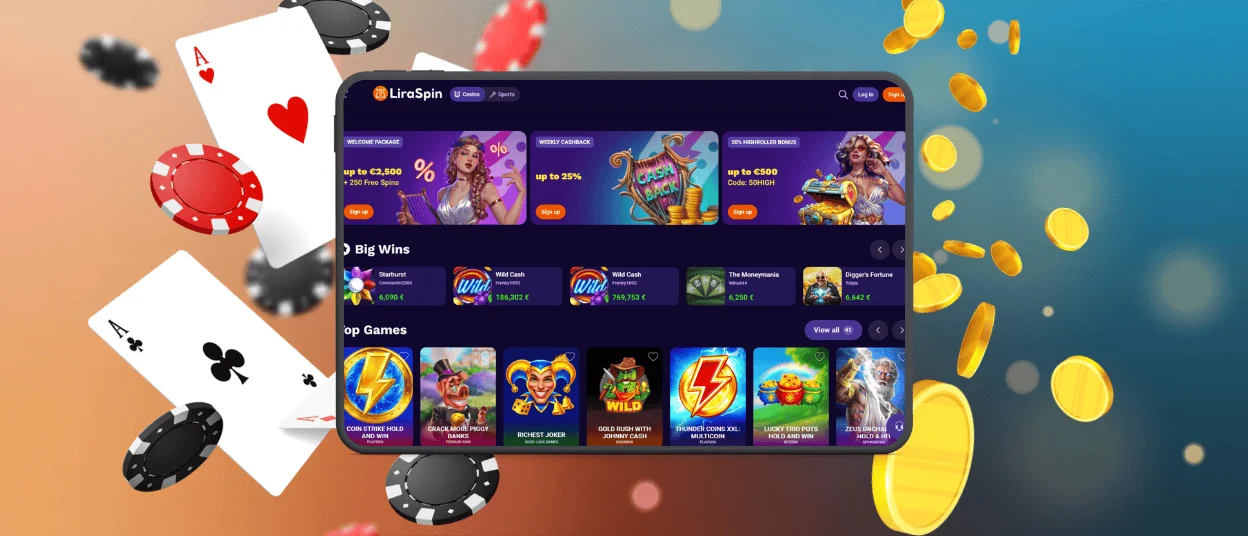
To start playing at Lira Spin Casino on your iPad and iPhone, all you need to do is find the “Share” button and tap it. After that, simply choose a name for the app or leave it as is, and confirm the installation.
Once the icon appears on your home screen, you’ll be greeted by a familiar interface and optimized features that will help you quickly get the hang of things and enjoy playing at the Liraspin app. If this is your first time logging in, after a quick registration, you can take advantage of benefits such as a welcome bonus and many others that will make your gaming experience even more enjoyable.
Lira Spin Casino on Mac or Windows
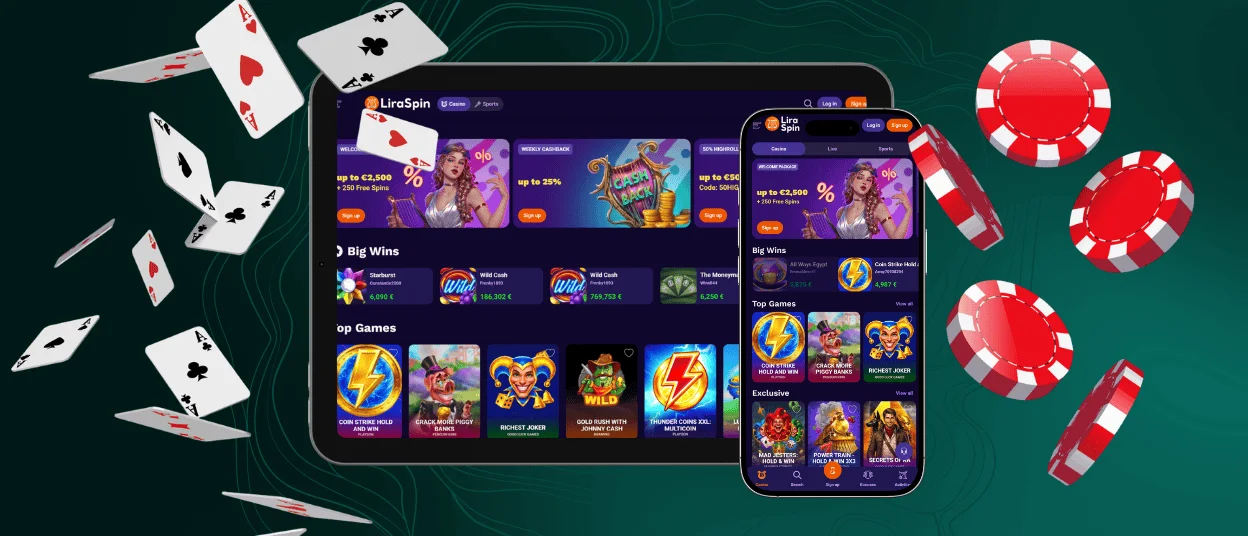
The Liraspin application for personal computers also offers a variety of features that will let you experience the game in a whole new way. First of all, you don’t need to open your browser and enter the URL every time; just two taps on the icon, and you’re already in the game. And the native full-screen mode helps you immerse yourself even more deeply in the worlds of online slots, which developers spend a tremendous amount of time refining and perfecting.
To install our Liraspin Casino application on desktop devices, simply click the button in the address bar and confirm the action; within a few seconds, our logo will appear on your desktop.

Lira Spin App: Pros and Cons
If we were to highlight some specific advantages of the Liraspin app over the web version, they would include fast loading of titles, smooth navigation between sections without additional loading, and others. Also, the battery drains noticeably slower than in the browser edition.
Among the drawbacks are potential issues if the cache becomes full, as well as the additional steps required for installation. However, in this case, these actions are well worth it when you experience the performance improvements firsthand at Lira Spin Casino.
Device Compatibility Tips
To avoid any issues or lag while using the Liraspin app, it’s important to know which devices and operating platforms are compatible. We’ve prepared a table listing the system requirements for all devices supported by the platform:
| Device Type | Recommended Setup | For Best Performance |
| Android Phone/Tablet | Android 9.0 or later | Live games require a good internet connection |
| iPhone/iPad | iOS 13.0 or later | To avoid compatibility issues, make sure your device is up-to-date |
| Windows PC | Windows 10 or higher | Regularly clear the browser cache to avoid loading errors |
| Mac | macOS version 10.15 or higher | For a better experience, please use full-screen mode |
FAQ
Can players install the Liraspin mobile shortcut without changing browser settings?
Yes, you don’t need to do anything inside your browser to access the Liraspin Casino application. Just follow the simple installation steps and start playing.
Can I upload verification documents via the app?
You can complete the verification process quickly and easily with the Liraspin app: just take photos of your ID and proof of address directly from your device and get a decision instantly.
What should I do if the app crashes or freezes?
Most often, such problems occur when your cache is full or your device does not meet the minimum recommended specifications. If all the conditions are met, but the problems still persist, you can contact the Liraspin support team via live chat or email.


